A native .NET inference engine for GGUF models — with a CLI, browser chat, Ollama- & OpenAI-compatible APIs, and an optional AgentHost for progressive-disclosure skills and sandboxed model-authored code.
Everything runs on your own hardware: your laptop, workstation, or server. Inference and agent work stay local by default, there are no per-token fees, and the same engine powers a quick command-line test, a shared internal chatbot, and a production REST endpoint. This wiki is the complete guide: pick a starting point below or use / to search.
TensorAgent: text, images, video and agentic work
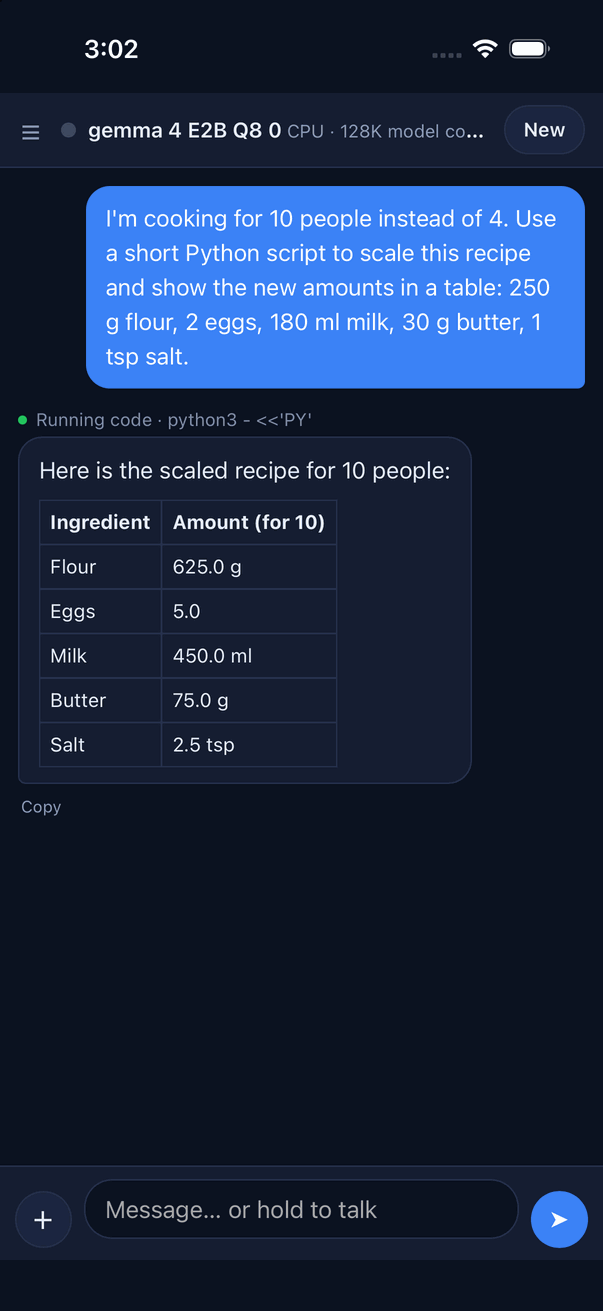
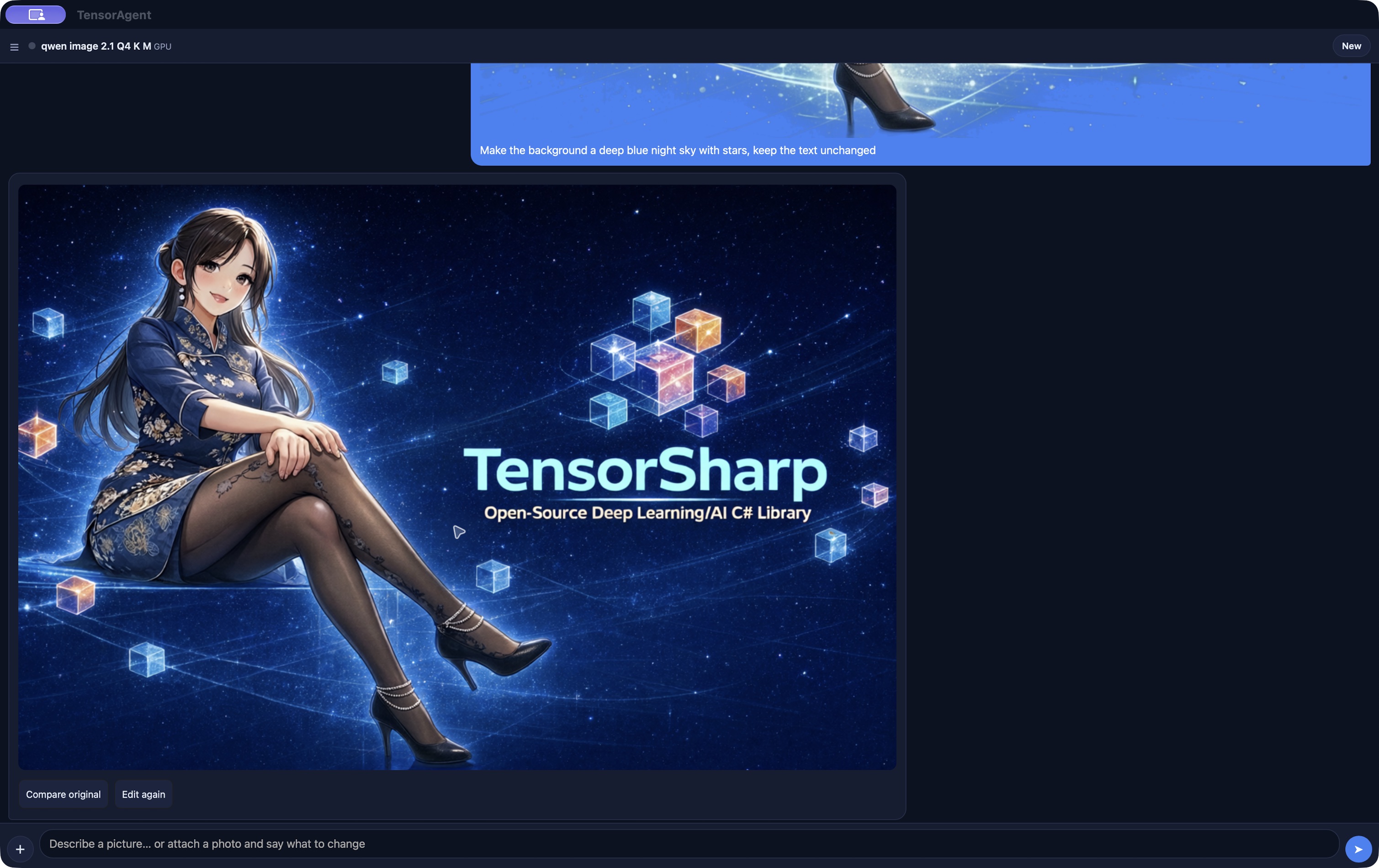
One local app for different kinds of work: chat and reason with text models, read photos and files, generate and edit images with Qwen-Image 2.1, make video with sound using MiniMax-H3, and use skills and tools to create files, run code or work in a browser. Choose a model for the task; the available models depend on the device's memory.
Source builds target iPhone, iPad, macOS and Windows. The interface supports English, Simplified and Traditional Chinese, Japanese, Korean, Spanish, French and German. Explore TensorAgent's capabilities and platform limits →
Current source: Qwen-Image 2.1 and mask editing, TensorAgent desktop builds and translations, browser skills and sub-agents, and the newest native parallelism changes are newer than v2026.09.01. Build from this checkout to use them; downloaded release assets reflect their own tag.
Backend availability, input modalities, tool calling, and validation vary by family. Compare model capabilities →
Learn with the books
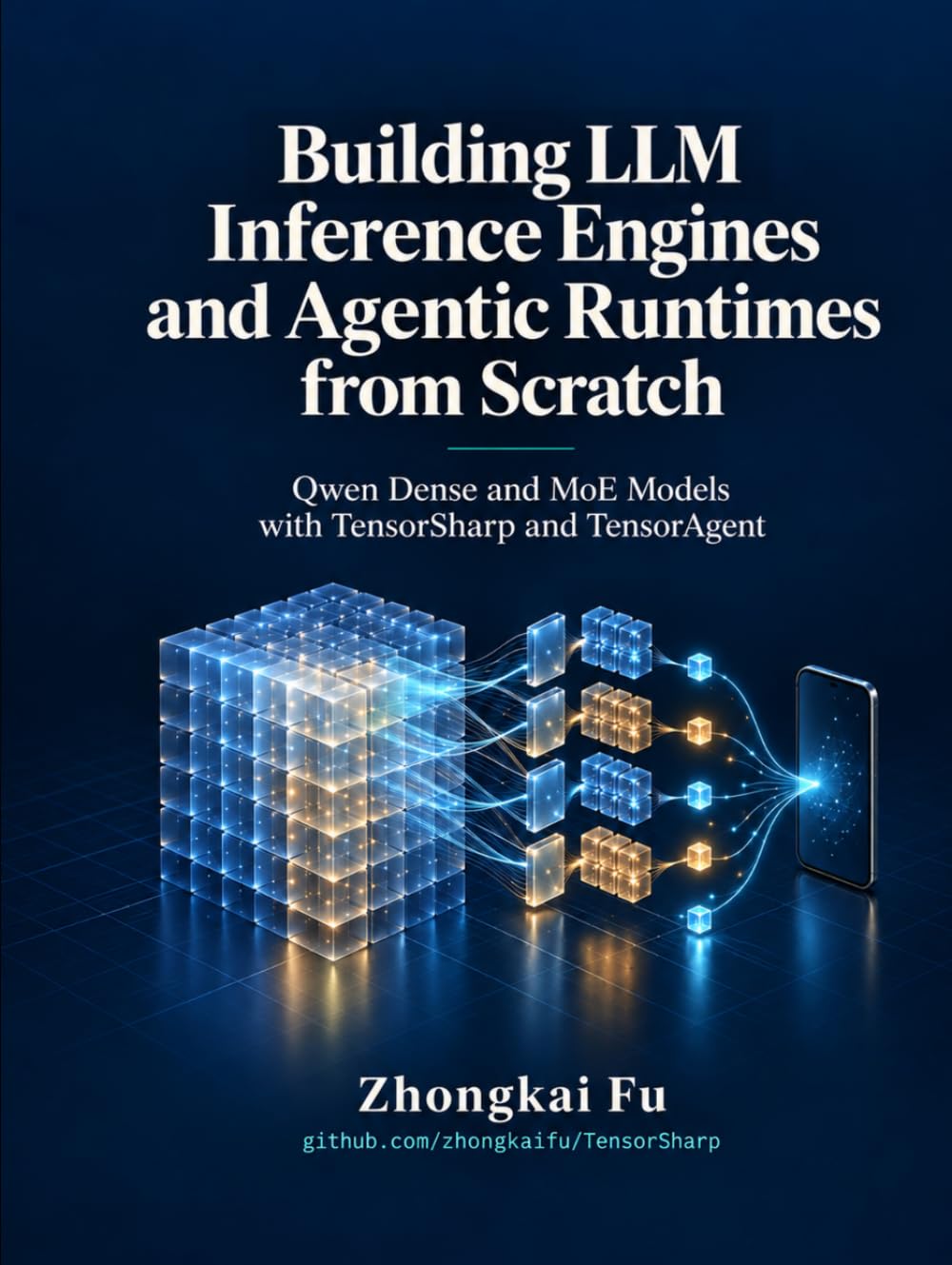
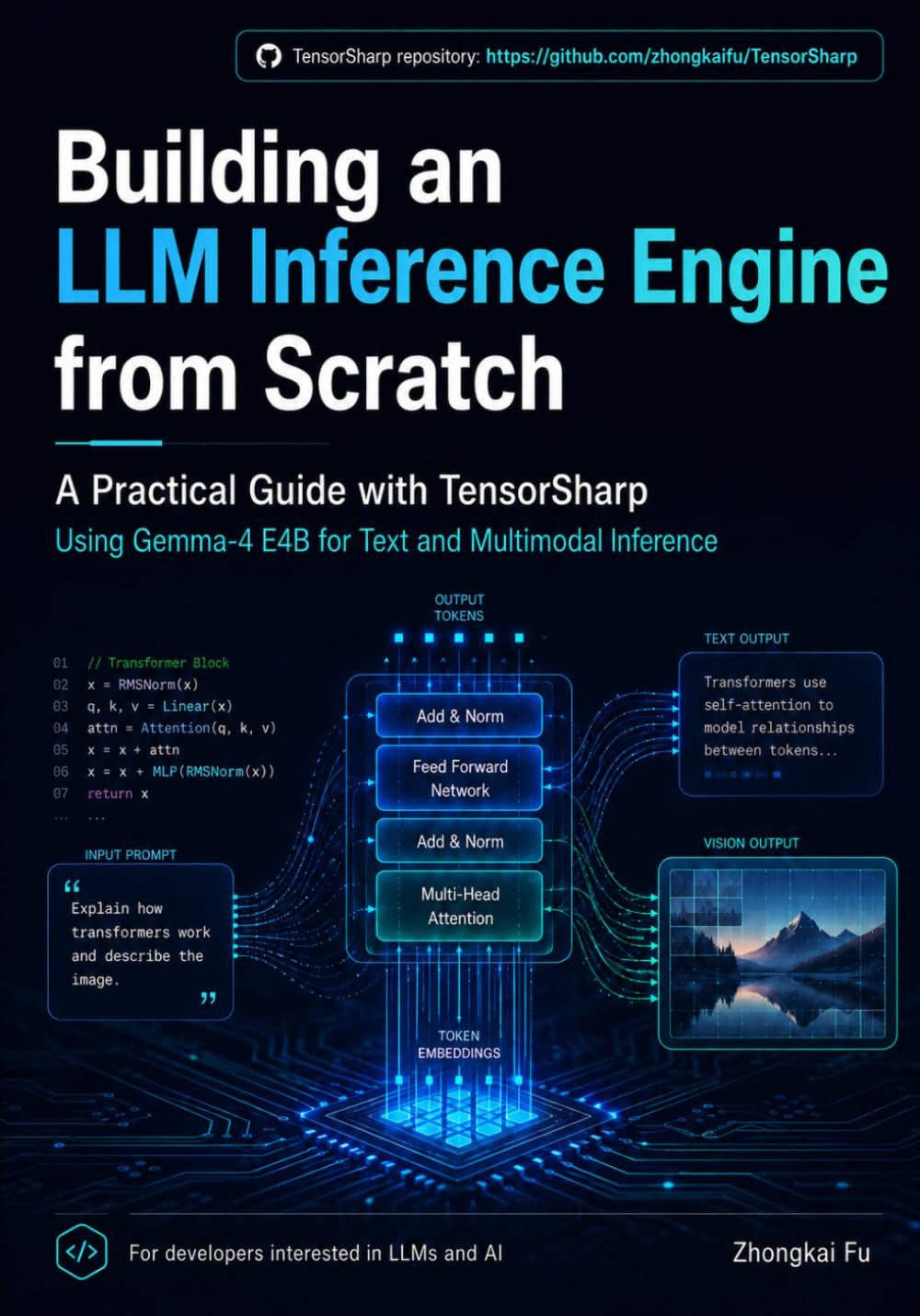
Two books by Zhongkai Fu turn the TensorSharp source into guided implementation journeys.
Qwen · Inference & agents
Building LLM Inference Engines and Agentic Runtimes from Scratch
Qwen Dense and MoE Models with TensorSharp and TensorAgent
Follow a C# implementation from tensors and tokenization to Qwen dense and MoE inference, then to agent tools, skills, code execution, and sandbox boundaries. TensorSharp and TensorAgent connect the design to GPU optimization, multimodal input, and desktop and mobile deployment.
Building a Multimodal LLM Inference Engine from Scratch with TensorSharp and Gemma 4 E4B
Build a multimodal inference engine in C# and .NET using Gemma 4 E4B. Work through tensor storage, GGUF loading, quantization, and tokenization, then explore image, video, and audio inputs, numerical checks, caching, and batching.
After installing the .NET 10 SDK for your platform, git, and curl, this path runs the benchmark-verified Gemma 4 E4B Q8_0 model on a native GGML backend. Copying the commands takes about 30 seconds; the 7.48 GiB model download and the first restore/build take longer and depend on your connection and machine. This block is for Linux + NVIDIA — see other backends below. On Windows PowerShell, use curl.exe.
Clone
The first dotnet run below restores the projects and compiles the native GGML CUDA backend; that first build can take several minutes.
git clone https://github.com/zhongkaifu/TensorSharp.git
cd TensorSharp
Download the model
The recommended artifact is gemma-4-E4B-it-Q8_0.gguf (7.48 GiB); the lower-memory gemma-4-E4B-it-Q4_K_M.gguf lives in the same repository.
Start the server with the same model. The browser chat is at /; the plain liveness check is at /health.
TENSORSHARP_GGML_NATIVE_ENABLE_CUDA=ON dotnet run --project TensorSharp.Server.Host -c Release -p:TensorSharpSkipMlxNative=true -- --model models/gemma-4-E4B-it-Q8_0.gguf --backend ggml_cuda --max-tokens 128
# open http://localhost:5000/
Other backends and multimodal
On Apple Silicon, omit the CUDA environment assignment and use ggml_metal; on a supported Windows/Linux Vulkan GPU, request TENSORSHARP_GGML_NATIVE_ENABLE_VULKAN=ON instead and use ggml_vulkan; without a GPU, use ggml_cpu (native CPU kernels, no GPU toolchain). Text inference needs only the model GGUF. For image, video, or audio input, also download the matching mmproj-gemma-4-E4B-it-Q8_0.gguf and pass it with --mmproj. Windows PowerShell and full platform syntax are in the E4B fast-lane notes.
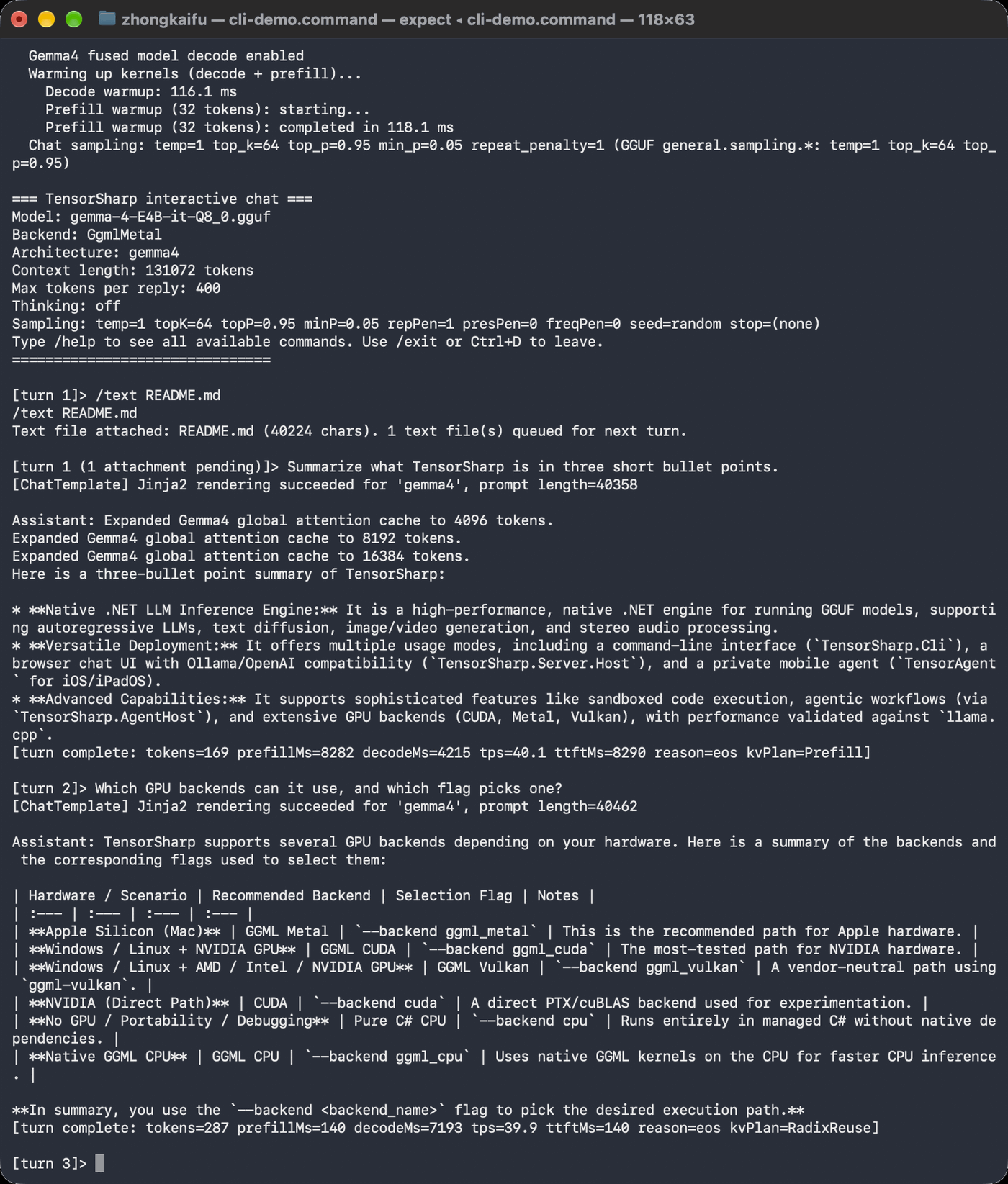
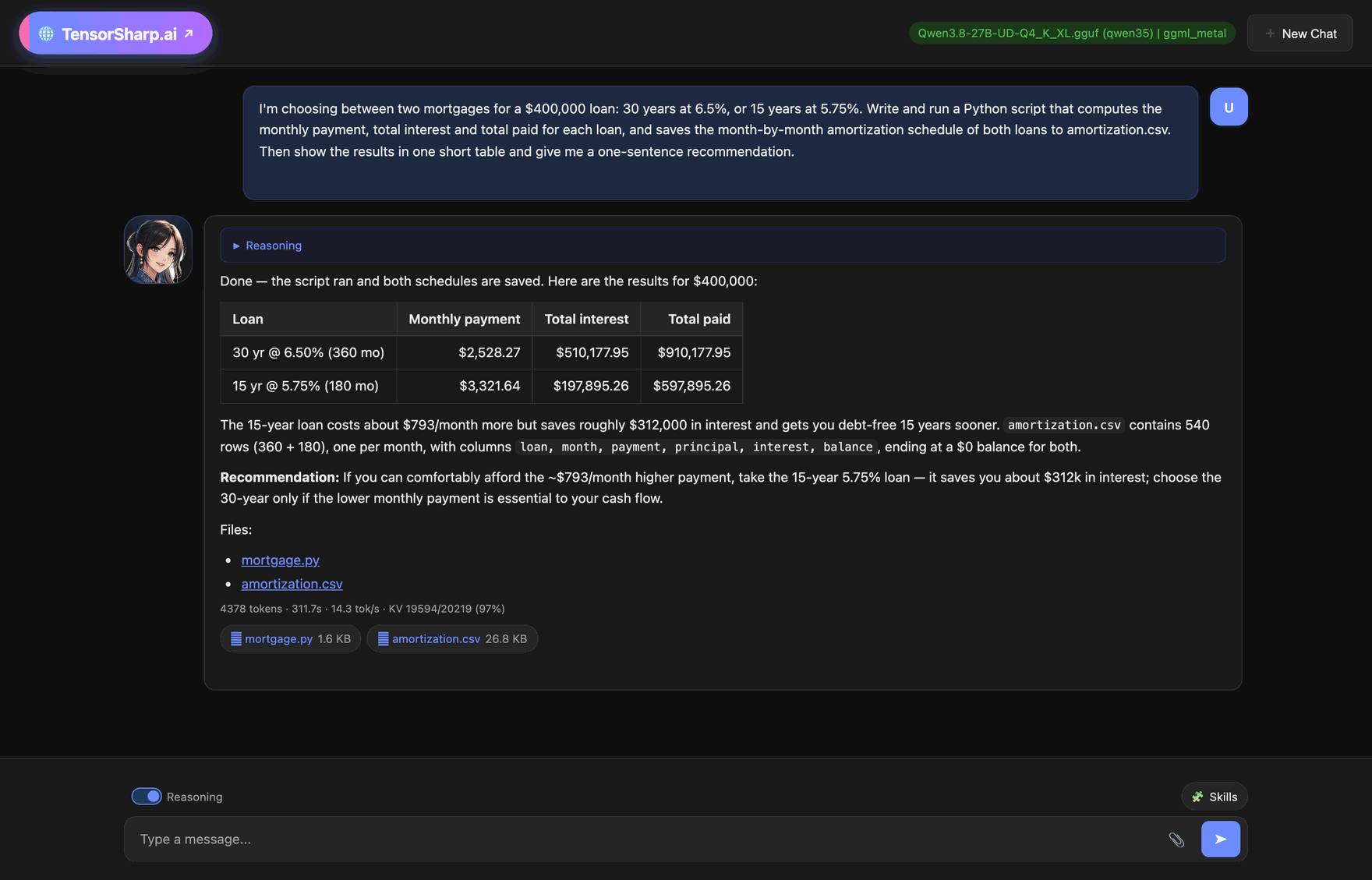
See it running
One engine, four ways to use it, each an unedited capture of a real run. Select one to see it full size.
Inference stays on your hardware. Command and skill-script networking is denied by default; Windows unconfined code execution is an explicit exception.